

 Call us:
 How to Evolve IT Infrastructure That Supports Fast Business Growth
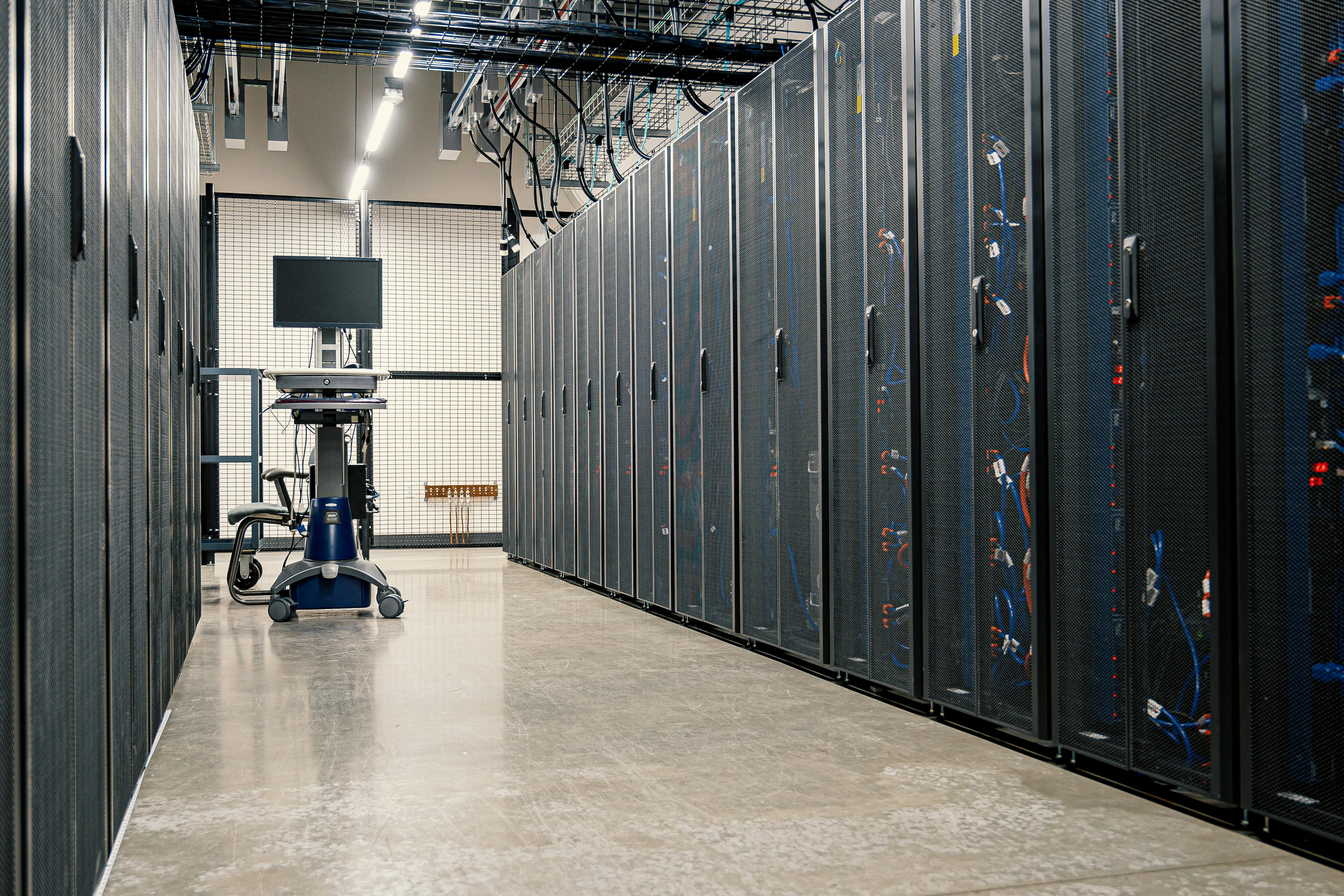
Photoi via Pexels
For operations and IT-minded business leaders scaling fast, adding staff, locations, customers, and new ways of working, “good enough” tech can quietly become the bottleneck. Common IT infrastructure challenges show up as slow systems, surprise outages, and a messy sprawl of tools that no longer fit together, even when everyone’s working hard. The core tension is real: growing business technology needs demand speed and stability at the same time, and yesterday’s setup can’t deliver both. The payoff is clarity on what scalable IT systems need to look like so growth stops feeling like a constant workaround.
Understanding Scalable, Flexible IT Design
Scalable IT design means your systems can grow by adding capacity in small, repeatable chunks, without a risky rebuild. Flexible design means work can move to where it makes the most sense, not always to a single central cloud. In distributed setups, pushing some processing closer to where data is created can cut delay and reduce back-and-forth traffic.
This matters because growth rarely arrives evenly. One week it is more hires, the next it is a new site or a customer spike. When your architecture scales out cleanly, teams feel speed and reliability at the same time, with fewer “all hands” fire drills.
Picture a chain of stores that sends every scan to the cloud before inventory updates. With horizontal scaling is less complex, you can spread the load, and with near-source processing, each store can validate and summarize scans locally before syncing. That same on-site analysis becomes crucial when links are shaky or round-trips are too slow.
See Edge in Action: Keep Operations Moving When the Cloud Can’t
Once you understand scalable, flexible design, the next question is how you keep performance snappy when the network isn’t. That’s where edge computers earn their keep: instead of shipping every signal back to the cloud for analysis, you process and analyze data right where it’s generated. When connectivity is shaky or the round-trip is simply too slow, local decision-making helps operations stay responsive, while still letting your overall IT infrastructure scale efficiently as the business grows.
In industrial settings, this often looks like a single device that can both run the computing workload and serve as the interface people use on the floor. The Tacton Series panel PCs, for example, combine industrial-grade computing with an integrated touchscreen display to deliver an all-in-one human-machine interface solution. Built for manufacturing, automation, and machine control environments, they’re designed for streamlined installation and day-to-day reliability, including being a rugged panel computer with durable performance. Their rugged design and flexible configuration options also make them a strong fit for demanding industrial workflows; if you want to explore what that kind of setup can look like, take a careful look here.
Put It Together: A Practical Blueprint for Cloud, Security, and Networks
When growth hits, the hard part isn’t picking a cloud or a firewall, it’s making cloud, security, and network decisions that still work when you add users, sites, and a whole lot more data.
-
Start with a “traffic map,” not a vendor list: Sketch the 6–10 most important workflows (orders, support tickets, payroll, shop-floor telemetry, etc.) and mark where they run: edge site, data center, cloud. For each, note acceptable downtime and latency (example: “local machine data must still be processed within 2 seconds even if the internet drops”). This one-page map keeps your edge-computing “keep running offline” scenario from becoming an exception nobody budgets for.
-
Pick an integration pattern per system (and write it down): For each app, choose one: rehost, refactor, replace with SaaS, or keep on-prem with secure APIs. Put a simple rule in place like “new systems must expose an API and support event-based integration” so you don’t build brittle point-to-point connections. This is how cloud integration strategies stay flexible when you later add a second site or merge with another company.
-
Design the network for segmentation first, bandwidth second: Create separate zones (user devices, servers, OT/IoT/edge gear, and guest) and only allow the minimum required traffic between them. In practice, this can be as simple as VLANs/subnets plus clear allow-lists and a diagram your team can understand in five minutes. It’s boring work that pays off fast: a compromised laptop shouldn’t be able to “see” the edge box running local analytics.
-
Use identity as your control plane (Zero Trust basics): Make “who is this” and “is this device healthy” the gate for accessing anything important, cloud consoles, VPN, internal apps, even admin pages on network gear. Turn on MFA everywhere, require strong device posture for admins, and separate admin accounts from daily accounts. This matters because a World Economic Forum study found three in four organizations reported a rise in cybersecurity risks in 2025 compared to 12 months prior.
-
Build scalable system security with defaults, not heroics: Create baseline templates for servers, containers, and edge devices: patch windows, logging enabled, least-privilege roles, encrypted storage, and secure remote management. When you spin up a new site, you should be able to apply the same blueprint in hours, not reinvent it in meetings. If you can, treat configurations as code so changes are reviewed and repeatable.
-
Plan for failure: DDoS, outages, and “cloud is slow today”: Put critical services behind rate limiting and DDoS mitigation, and make sure you have a degraded mode that still serves customers (cached reads, queued writes, offline edge processing, manual workflows). Threat volume is real, Cloudflare reported blocking 20.5 million DDoS attacks in the first quarter of 2025, so “we’ll deal with it later” becomes an availability risk as you grow.
Scaling IT Infrastructure: Common Questions Answered
Q: What does “scalable infrastructure” actually mean for a growing business?
A: It means your setup can add users, devices, and apps without performance or security falling apart. A good working definition is scalable network infrastructure that can expand as the organisation grows. Practically, you want capacity you can increase in small steps, with repeatable configs and clear access controls.
Q: How do I scale without blowing the budget?
A: Start by funding your top revenue and customer workflows first, then postpone “nice-to-have” upgrades. Use usage-based services where they truly save effort, and standardize a few core building blocks so you are not paying for one-off designs. Ask every spend to answer: what risk does it reduce or what bottleneck does it remove?
Q: When should we upgrade: before growth or after things break?
A: Upgrade when you see leading indicators like recurring slowdowns, brittle integrations, or too many manual workarounds. If onboarding new staff takes days, that is a timing signal, not a nuisance. Do small, frequent improvements rather than one scary overhaul.
Q: Can we keep some systems on-prem and still move fast?
A: Yes, hybrids can work well if you are disciplined about interfaces and access. Keep stable systems where they belong, but expose them through secure APIs and consistent identity controls. The key is making the hybrid a deliberate design, not an accident.
Q: How do we reduce risk while changing infrastructure?
A: Treat changes like releases: test, stage, and keep a rollback plan. Document who can access what, keep logs on by default, and validate backups with real restore drills. Your goal is fewer surprises, not perfect foresight.
Make Three Smart Moves Toward Growth-Ready IT Infrastructure
Fast growth has a way of turning “good enough” systems into daily friction, and it’s easy to either overbuy out of fear or postpone upgrades until something breaks. The steadier path is to treat growth-ready IT infrastructure as an ongoing practice: build flexible technology systems, choose scalable IT implementation step by step, and keep empowering IT decision-makers with clear standards and visibility. When that mindset sticks, capacity increases without chaos, changes feel predictable, and long-term IT planning becomes part of normal operations instead of a fire drill. Scale what’s working, fix what’s fragile, and keep choices aligned to growth.
Tags :

Reactions